
Analysis overview and configuration
Post-conversation Analysis turns a completed transcript into one summary plus optional evaluation criteria, structured data, and sentiment. It runs against the agent-version snapshot that opened the conversation.
Activate Analysis#
There is no global Analysis enable switch. Analysis runs when the frozen version has at least one evaluation criterion, one data point, or sentiment enabled. If none is configured, or the conversation transcript is empty, the run is skipped without a model request.
Choose gpt-5-mini or gpt-5 as the Analysis model; gpt-5-mini is the default. Operade sends the full continued-conversation chain, oldest segment first, as untrusted evidence. One model request produces the summary and every configured criterion, data point, and sentiment result together.
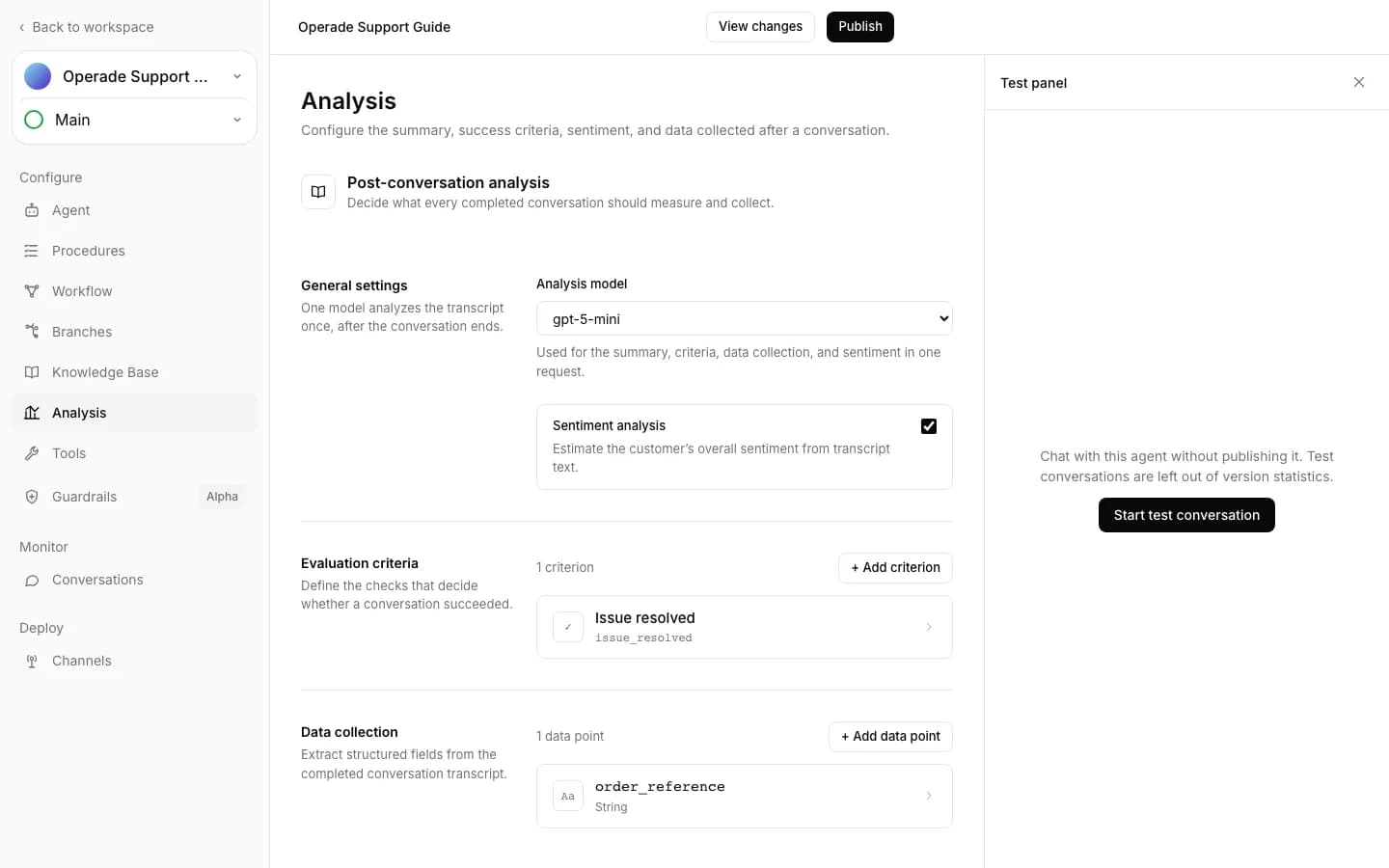
Evaluation criteria#
Add up to 10 criteria. Each criterion has a lowercase identifier that starts with a letter and contains only letters, numbers, or underscores, a display name, and instructions describing success, failure, or missing evidence. Result rationales are stored with the identifier.
If any criterion fails, the aggregate call result is failure. If all configured criteria succeed, it is success. If there are no criteria, or evidence is unknown without a failure, the aggregate is unknown.
Data and sentiment#
Add up to 10 data points. Supported types are boolean, integer, number, and string. Each point needs an identifier and extraction description. String points may define up to 100 enum values; other types do not use enums. Missing evidence is stored as null with a rationale.
Sentiment is optional and returns positive, neutral, or negative with a score from -1 to 1. Save the draft, use Test chat, publish, and review the completed result described in Analysis results, rerun, and cost.