
Structured Procedure steps
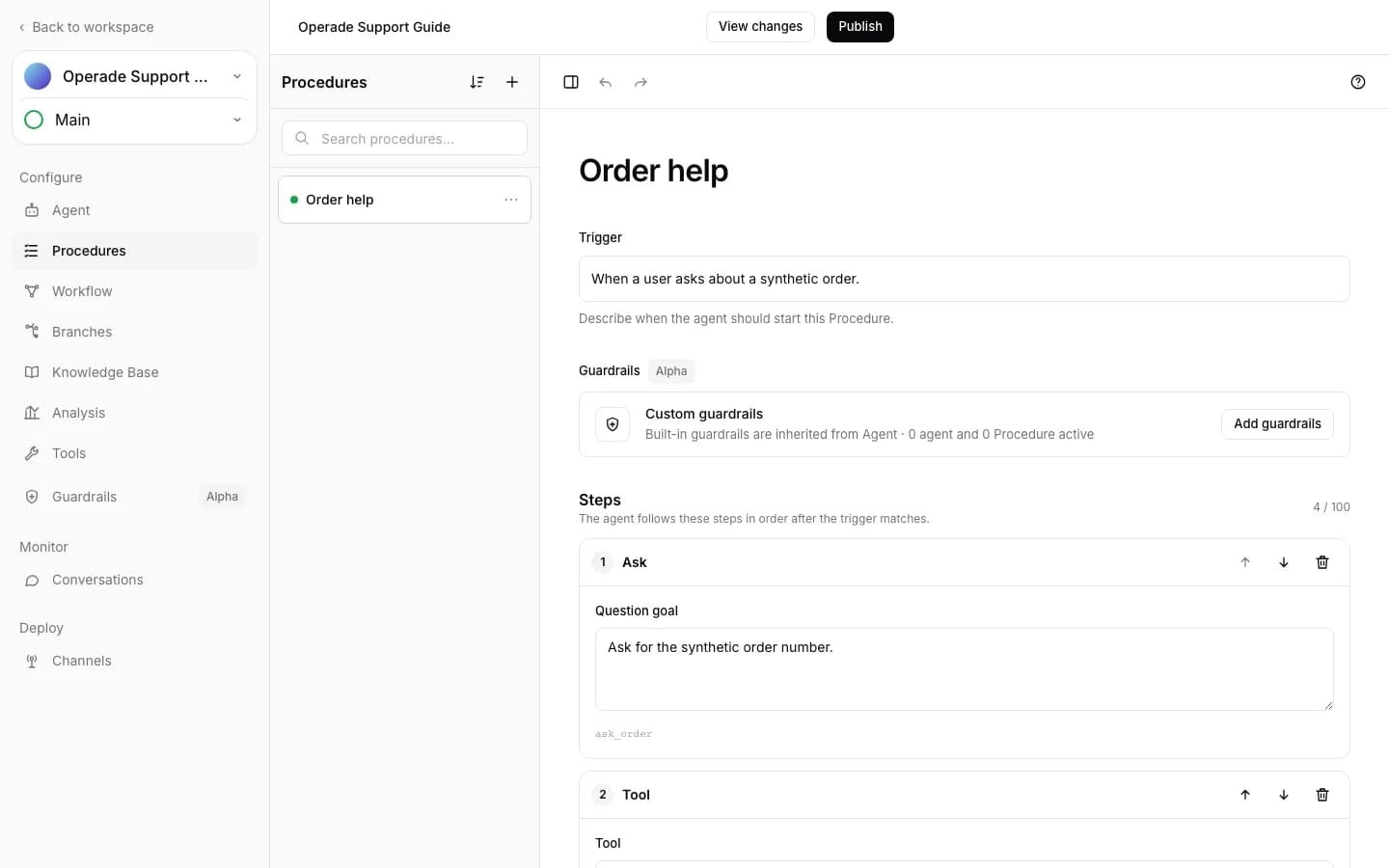
Structured Procedures offer seven authored step types: Ask, Tell, Say, Tool, If, End, and Sub-procedure. Each step has a stable ID used for validation and Activity records.
Message and action steps#
- Ask turns a question goal into a model response, records a waiting point, and continues after the next customer message.
- Tell turns a response goal into model text and immediately continues.
- Say sends the exact message without a model-generation call.
- Tool executes one webhook Tool through the same validated, SSRF-protected dispatcher used elsewhere.
- End closes the conversation when enabled; otherwise it returns from the Procedure.
- Sub-procedure runs another Procedure inline and then returns to the next caller step.
Ask and Tell instructions, Say messages, and trigger text each allow up to 10,000 characters. A Structured Procedure can author up to 100 steps before expansion.
If branches#
An If step can use an LLM judgment or the same typed expression system as Workflows. If cannot be the first step, cannot directly follow another If, and cannot be nested inside an If branch. Each Then and Else branch may contain the other supported step types, then rejoins the sequence after the If.
Expression roots must return a boolean. Missing variables become null, not false. For the full operator and type rules, see Workflow expressions.
Sub-procedure limits#
References must point to existing Procedures and cannot form a cycle. Operade expands Sub-procedures to validate the effective path; the result may contain at most 100 expanded steps. Automatic steps before the next Ask are limited to 20. A referenced Procedure cannot be deleted until every Sub-procedure step that uses it is removed.
After editing, use Test chat and inspect Activity for the selected branches, Tool outcomes, and waiting point. Continue with Structured Procedures for control-flow behavior.